Privacy policy
Effective date: 17 October 2026
Who we are
MindScape is the name of the app. The app is operated by MindScape. For privacy questions or requests, email
support.mindscape@gmail.com.
Information we process
- Account information: when you sign in with Google, Firebase Authentication processes
your account identifier and the profile information Google makes available, such as your name, email
address and profile photo. MindScape stores your account identifier, name, email address and account
creation time with your Firebase user profile.
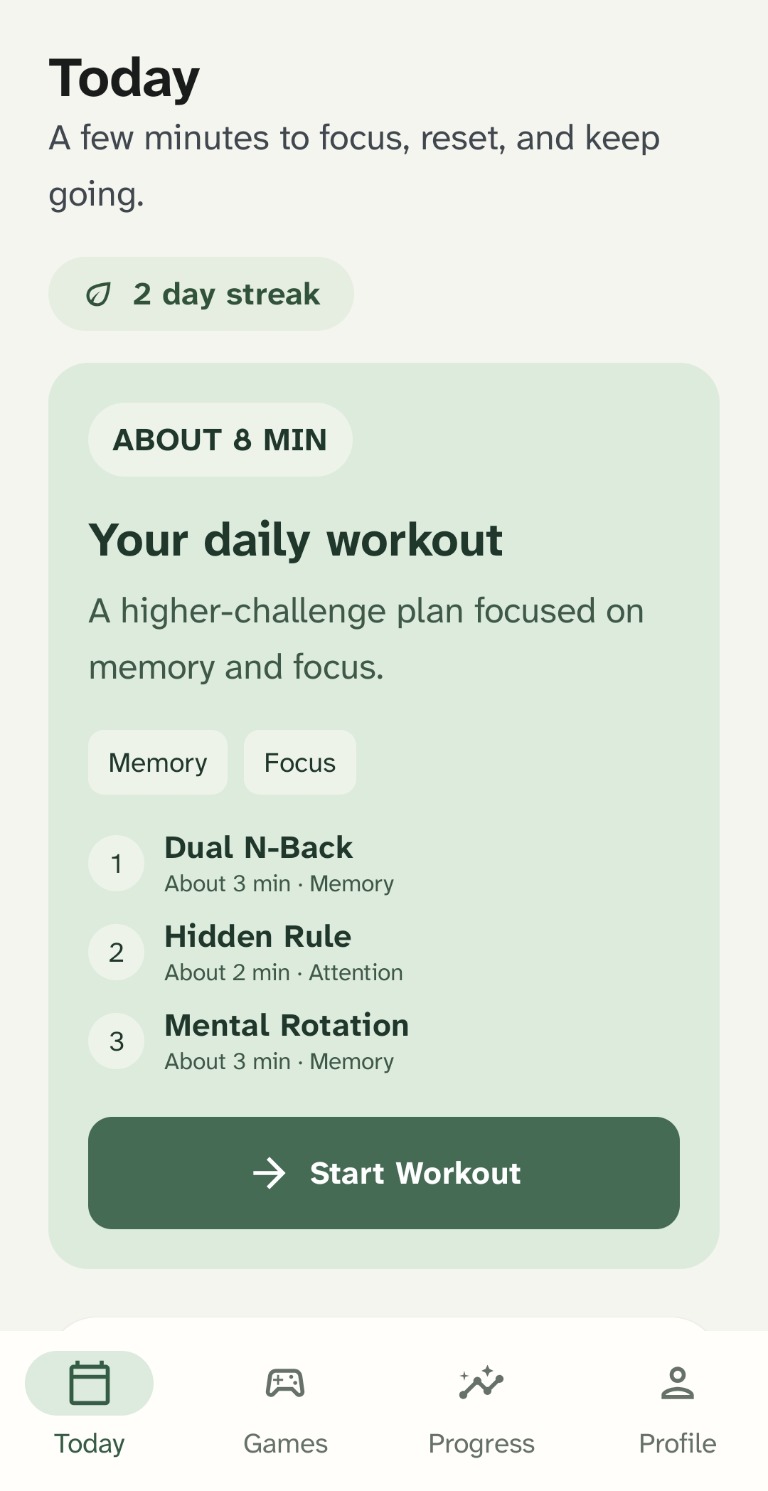
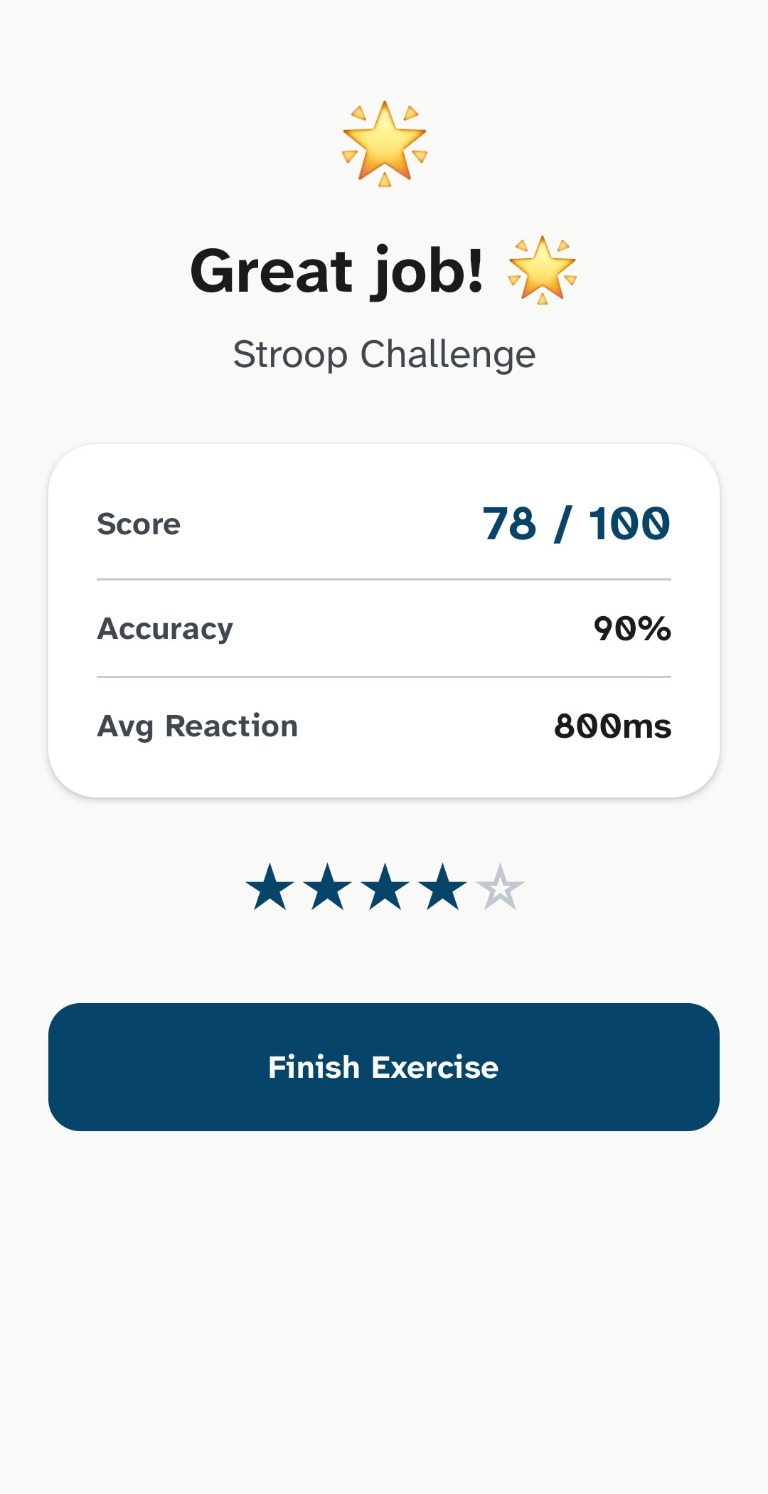
- Training and profile information: your selected training goal, onboarding and tutorial
progress, streak and workout dates, game history, scores, accuracy, average reaction time, difficulty,
rounds, session options and other game metrics, plus summary scores derived from your activity. These
details are used to show your history and adapt practice; they are not medical measurements or diagnoses.
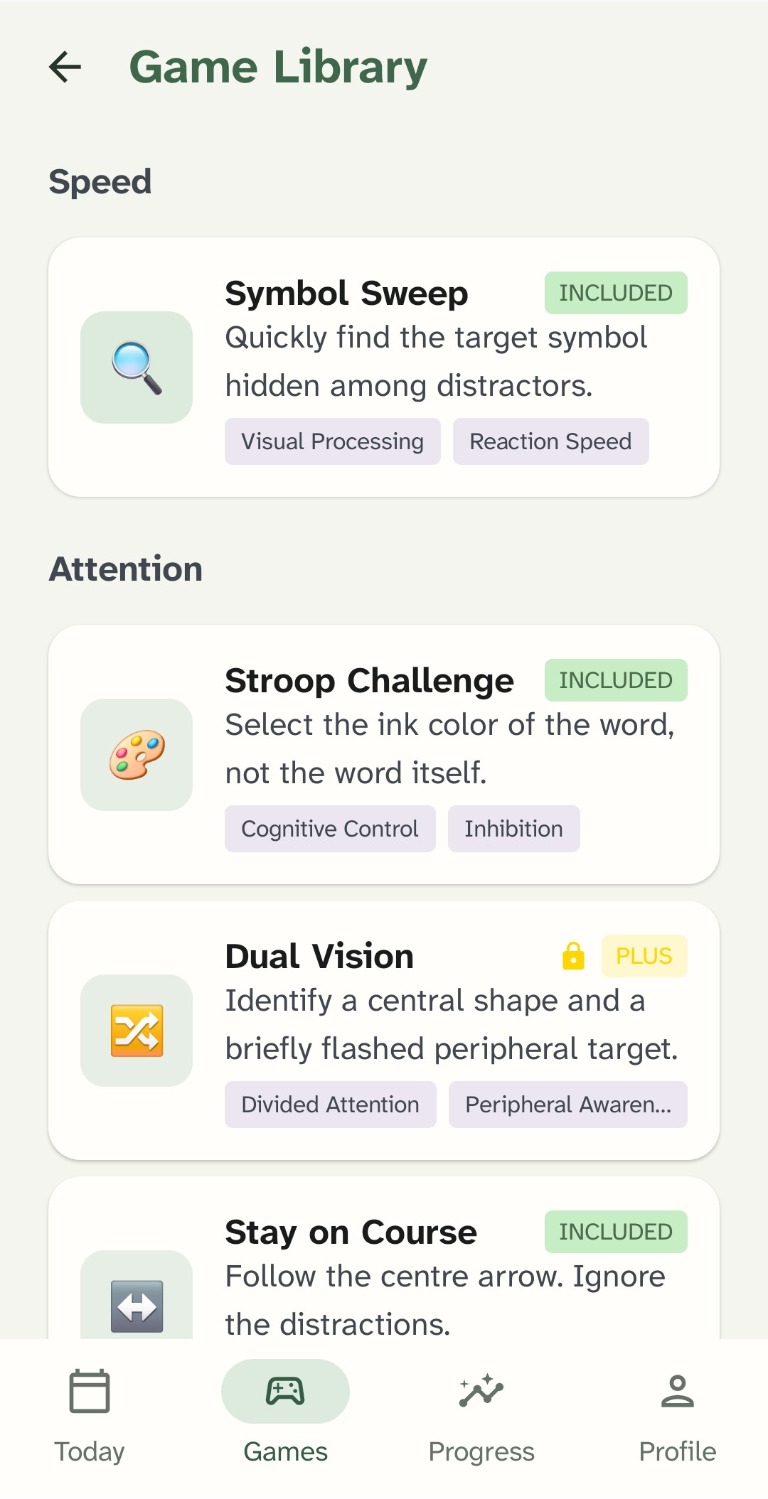
- Subscription information: Google Play purchase details are checked to confirm access to
paid features. The app sends the purchase token to our Firebase backend for verification with Google Play.
The backend stores subscription status and related product details, and a hashed form of the purchase
token linked to your account. A hashed account identifier is also supplied to Google Play to associate a
purchase with your MindScape account. The app does not store your payment-card details. Google Play
handles payment information and transaction records.
- Settings on your device: preferences such as appearance, reminder choice and tutorial
state are stored locally. Training and profile information is also synchronized to your Firebase account
so it can be restored across sessions.
- Messages you send us: if you contact support, we process the email address and message
you provide to respond and handle follow-up.
The app requests internet access and, where applicable, notification permission for optional training
reminders. It does not request location or contacts permission. The Android app currently has no advertising,
dedicated analytics or crash-reporting SDK. Firebase, Google Play and Android may nevertheless process
technical or device information needed to provide, secure and operate their services.
Android backup is enabled for the app. Depending on your device and Google backup settings, some locally
stored app data may be included in an Android backup. Those backups are managed under Google's settings and
retention practices; deleting an account clears the current app profile but may not immediately remove an
existing device backup.
How we use it
We use this information to sign you in, provide and synchronize your profile and training history, adapt
challenges, manage subscriptions, send reminders you enable, protect the service, respond to support requests
and meet legal obligations. We do not sell your personal information or use training results to diagnose or
treat a health condition.
Who receives information
We use Google Firebase Authentication, Cloud Firestore, Firebase Functions and Firebase App Check to
authenticate accounts, store profiles, verify subscription status and protect backend requests. Google Play
processes subscriptions and payments. These providers process information under their own terms and
instructions as needed to provide their services. Google also provides the Gmail service used for support
correspondence. We may disclose information if required by law or necessary to protect users, the service or
our legal rights. We do not share training data with advertisers.
Some information may be processed in countries other than the one where you live. Where applicable, the
service providers use the transfer mechanisms and safeguards described in their terms.
Legal grounds and your choices
Where privacy law requires a legal ground, we generally process account, training and subscription
information as needed to provide the service you request; use limited information for our legitimate
interests in operating and securing the service and responding to you; and rely on consent where required,
such as for optional notifications. You can turn off reminders in your Profile or disable notifications in
Android settings.
Depending on where you live, you may have the right to access, correct, delete, restrict or object to certain
processing, request a portable copy, or withdraw consent. Contact us using the email above to make a request.
We may need to verify that you control the account before acting. You may also have the right to complain to
your local data-protection authority.
Retention and account deletion
We keep account and training information while your account is active. You can delete it in the app under
Profile > Delete account, or request deletion by email using the instructions in
Delete your account. When deletion succeeds, the Firebase profile and sign-in
account, purchase-token link and local MindScape profile are deleted, and scheduled reminders are cancelled.
A one-way hashed deletion marker is retained with a 35-day expiry to prevent delayed Google Play
notifications from recreating the deleted profile; Firestore's expiry process may remove it after that
period. Google Play may retain billing records under its own policies and legal requirements. Deleting a
MindScape account does not cancel a Google Play subscription.
Signing out alone does not delete training history stored on your device. Use Delete account if you want
account and local profile data removed.
Children
MindScape is designed for adults and is not intended for children under 18. The app does not verify a user's
age. If you believe a child has provided personal information, contact us so we can review and take
appropriate action.
Security
We use Firebase account controls and App Check to help protect account data and backend requests. No
internet service or storage method can be guaranteed completely secure.
This website
This page does not use advertising or analytics cookies. The page loads fonts from Google Fonts and the GSAP
animation library from cdnjs (Cloudflare); those providers receive the connection and request information
needed to deliver those files and may process it under their own privacy terms. The website host may also
keep standard server logs, such as IP address, browser details, requested page and request time.
Changes
We will update this policy when our practices or legal requirements change and revise the effective date.
Where required, we will also provide notice through the app or another appropriate channel.